WordPress Development Course in Gujranwala: Complete Guide
Author : Muhammad Waheed
WordPress Development Course in Gujranwala: Complete Learning & Career Guide
1. Introduction
WordPress has become one of the most widely recognized platforms for building and managing websites. Its flexibility makes it useful for business websites, blogs, portfolios, news websites, service websites, landing pages, and many other online projects.
For people searching for a WordPress Development Course in Gujranwala, the important question is not simply whether an institute mentions WordPress in its advertising. The more important question is whether the training teaches students how to create, customize, manage, troubleshoot, optimize, and maintain websites in a practical environment.
WordPress can look easy when someone demonstrates a finished website. Professional website development becomes more demanding when a student has to select an appropriate structure, customize layouts, handle forms, manage content, troubleshoot plugins, improve responsiveness, maintain security, and communicate requirements with clients.
Students should therefore treat WordPress as a practical web-development skill rather than a shortcut that eliminates the need to understand websites.
2. What is WordPress Development?
WordPress development involves creating, customizing, maintaining, and improving websites using the WordPress content management system. Depending on the project, work can involve themes, plugins, templates, page builders, CSS, JavaScript, PHP, databases, hosting, security, performance optimization, and integrations.
A beginner may initially focus on installing WordPress, configuring a website, creating pages, managing menus, working with themes, and publishing content. As skills improve, the developer can move into customization, troubleshooting, performance improvements, custom functionality, and more advanced development.
One of the most important lessons is that WordPress is not separate from web development fundamentals. Understanding HTML, CSS, responsive design, browser behavior, basic programming, databases, and hosting can make WordPress work much easier to understand.
3. Why Learn WordPress Development?
Businesses frequently need websites that can be updated without requiring a developer to modify every piece of content. A content management system can make routine publishing and management easier.
WordPress skills can also be valuable for freelancers because small and medium-sized businesses may need websites, redesigns, landing pages, content updates, maintenance, troubleshooting, or customization.
Another advantage is that students can see results quickly. A beginner can create a basic website and then gradually improve it as their understanding grows.
However, students should avoid the misconception that WordPress is automatically easy money. Competition exists, and clients increasingly expect developers to produce professional, responsive, secure, fast, and maintainable websites.
4. Benefits
Practical Hands-On Training
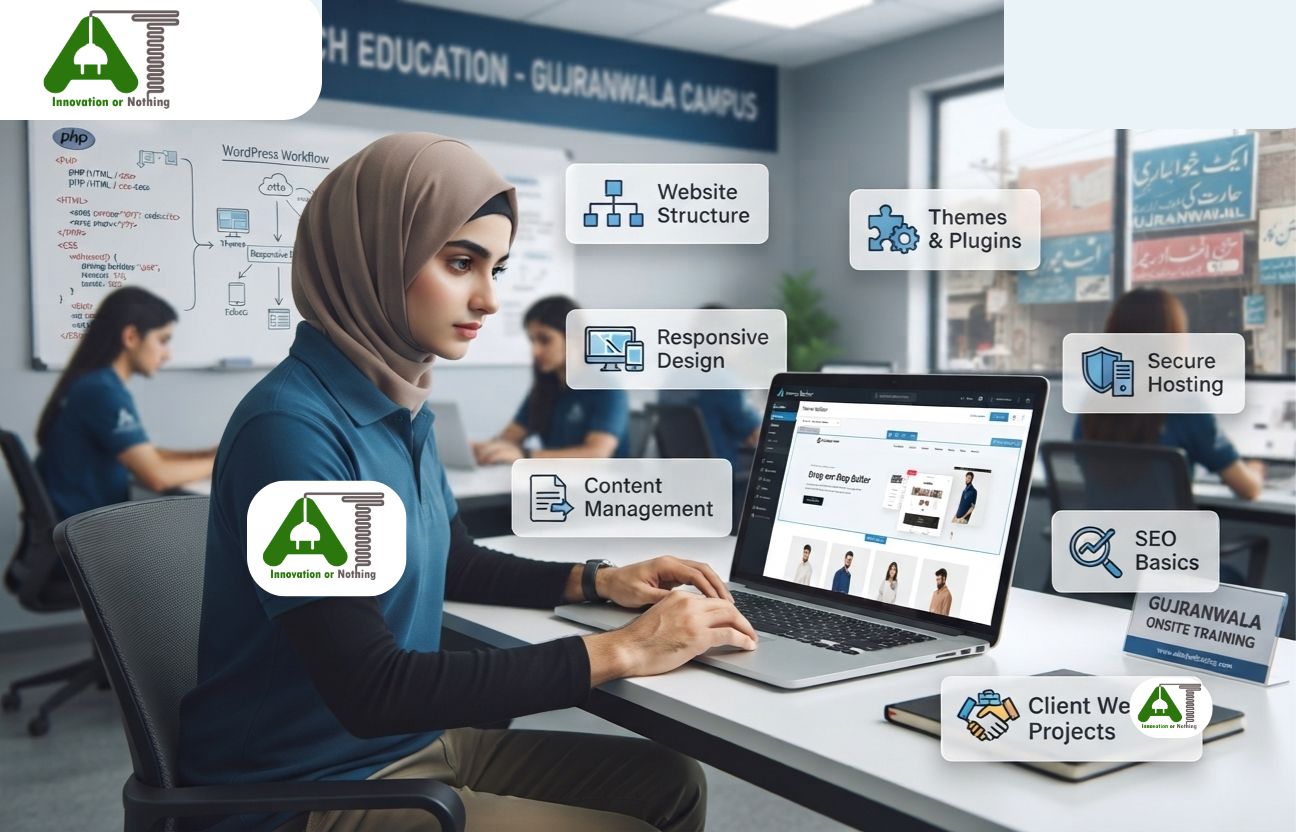
Students should practice by creating actual websites instead of only watching demonstrations. Hands-on exercises help students understand how different settings and components affect the final website.
Industry-Focused Curriculum
A useful curriculum should cover practical website requirements rather than focusing exclusively on theoretical definitions.
Real Project Learning
Students should build projects resembling real business requirements. A portfolio project might include a homepage, about page, services, contact form, responsive layout, blog section, and other appropriate components.
Experienced Trainers
Experienced trainers can help students understand common mistakes and practical troubleshooting approaches that are difficult to learn from tutorials alone.
Career Guidance
Students need to understand how WordPress skills connect to employment, freelance services, agency work, and further web development education.
Gujranwala-Based Learning Advantage
Local training can provide face-to-face support, regular practice, direct feedback, and a structured environment for students who prefer classroom education.
5. Skills Covered
A practical WordPress learning path may include:
- WordPress installation concepts
- Dashboard and content management
- Pages and posts
- Menus and navigation
- Theme management
- Basic customization
- Responsive website concepts
- Forms and website interactions
- Plugin management
- Website backups
- Basic security practices
- Website performance concepts
- Basic SEO awareness
- Hosting and domain concepts
- HTML and CSS fundamentals
- Basic troubleshooting
- Client website management
Advanced students can eventually explore deeper development areas such as PHP, custom themes, custom plugins, APIs, databases, JavaScript, and performance optimization.
6. Course Learning Roadmap
Stage 1: Web Fundamentals
Students should understand how domains, hosting, browsers, web pages, files, and websites work before becoming dependent on visual tools.
Stage 2: WordPress Fundamentals
The next stage involves understanding the WordPress dashboard, content structure, themes, menus, settings, and basic site configuration.
Stage 3: Website Creation
Students create complete websites and learn how to organize pages, navigation, content, images, and layouts.
Stage 4: Customization
Students learn how websites can be customized according to business requirements. HTML and CSS knowledge becomes particularly useful here.
Stage 5: Plugins and Functionality
Students learn how plugins extend website functionality and why plugins must be selected and maintained carefully.
Stage 6: Optimization and Maintenance
Professional website work includes backups, updates, troubleshooting, security awareness, performance monitoring, and content maintenance.
Stage 7: Portfolio Development
Students should build multiple practical projects and document what they created. A strong portfolio can be more persuasive than simply listing “WordPress” on a CV.
7. Career Opportunities
WordPress skills can support several career paths. Beginners may work on website content management, website support, basic website development, maintenance, or junior web roles. With stronger programming skills, they can move into more advanced development work.
Small businesses can also be potential clients. Local businesses may need a website created or maintained, existing pages redesigned, content updated, or website problems resolved.
Students should remember that career progression depends on skill depth. Someone who only knows how to install a theme will have a different market value from someone who understands customization, troubleshooting, performance, HTML, CSS, JavaScript, PHP, databases, and deployment.
8. Freelancing Opportunities
WordPress is frequently associated with freelancing because many website projects can be delivered remotely.
Potential services include:
- Business website creation
- Landing page development
- Website redesign
- Theme customization
- Website maintenance
- Content updates
- Bug fixing
- Performance improvements
- Basic SEO implementation
- Website migration support
Freelancers should specialize gradually rather than advertising dozens of unrelated services. A clear service offering makes it easier for potential clients to understand what the freelancer actually provides.
Real project learning is especially valuable here because clients care about outcomes. A portfolio showing functional websites, responsive layouts, business requirements, and problem-solving is stronger evidence than a certificate alone.
9. Why Choose Abiding Tech Education
Students comparing web development institutes in Gujranwala should examine the actual learning process. Important factors include practical hands-on training, industry-focused curriculum, experienced trainers, real project learning, career guidance, and a Gujranwala-based learning advantage.
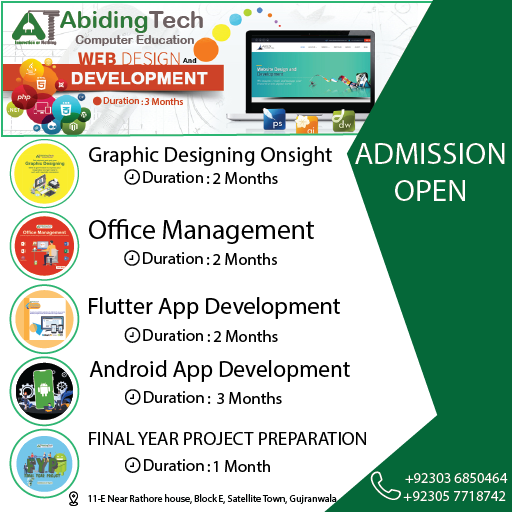
WordPress should also be understood as part of the broader web-development ecosystem. Students who want to develop a stronger foundation in website creation can review the Web Designing and Development course offered by Abiding Tech Education.
This link is intentionally presented as a broader web-development training option rather than being described as a dedicated WordPress course.
10. FAQs
Is WordPress good for beginners?
Yes. WordPress can provide a practical introduction to website creation. Beginners should still learn fundamental web concepts so they can understand and troubleshoot what they build.
Can WordPress developers earn through freelancing?
Yes. Freelancers can offer website creation, customization, maintenance, redesign, troubleshooting, and related services. Income depends on skill, portfolio, client acquisition, communication, and project quality.
Do I need coding to learn WordPress?
Basic WordPress usage can be learned with limited coding. Professional development and advanced customization become much easier when students understand HTML, CSS, JavaScript, PHP, and database concepts.
Is WordPress development the same as web development?
No. WordPress is a platform used to build and manage websites. Web development is a broader field that includes many technologies and approaches.
What should I check before joining a WordPress course?
Check the syllabus, practical projects, trainer experience, course duration, learning environment, support system, and whether students actually build websites during training.
Can WordPress skills help with SEO?
Yes. WordPress can be used to manage SEO-related website elements, but effective SEO requires broader knowledge of search intent, technical SEO, content quality, internal linking, performance, structured data, and search engine guidelines.
11. Conclusion with CTA
A WordPress Development Course in Gujranwala can be a useful route for students who want to enter website creation, but the quality of the learning process matters more than the course title.
Look for practical hands-on training, an industry-focused curriculum, experienced trainers, real project learning, career guidance, and opportunities to develop a portfolio. Do not assume that installing WordPress or using a page builder alone makes someone a professional web developer.
If your objective is to develop a broader foundation in website creation and development, explore the Web Designing and Development course at Abiding Tech Education and compare its curriculum with your WordPress learning goals.
People Reviews
Based on 0 reviews